Study materials, module by module
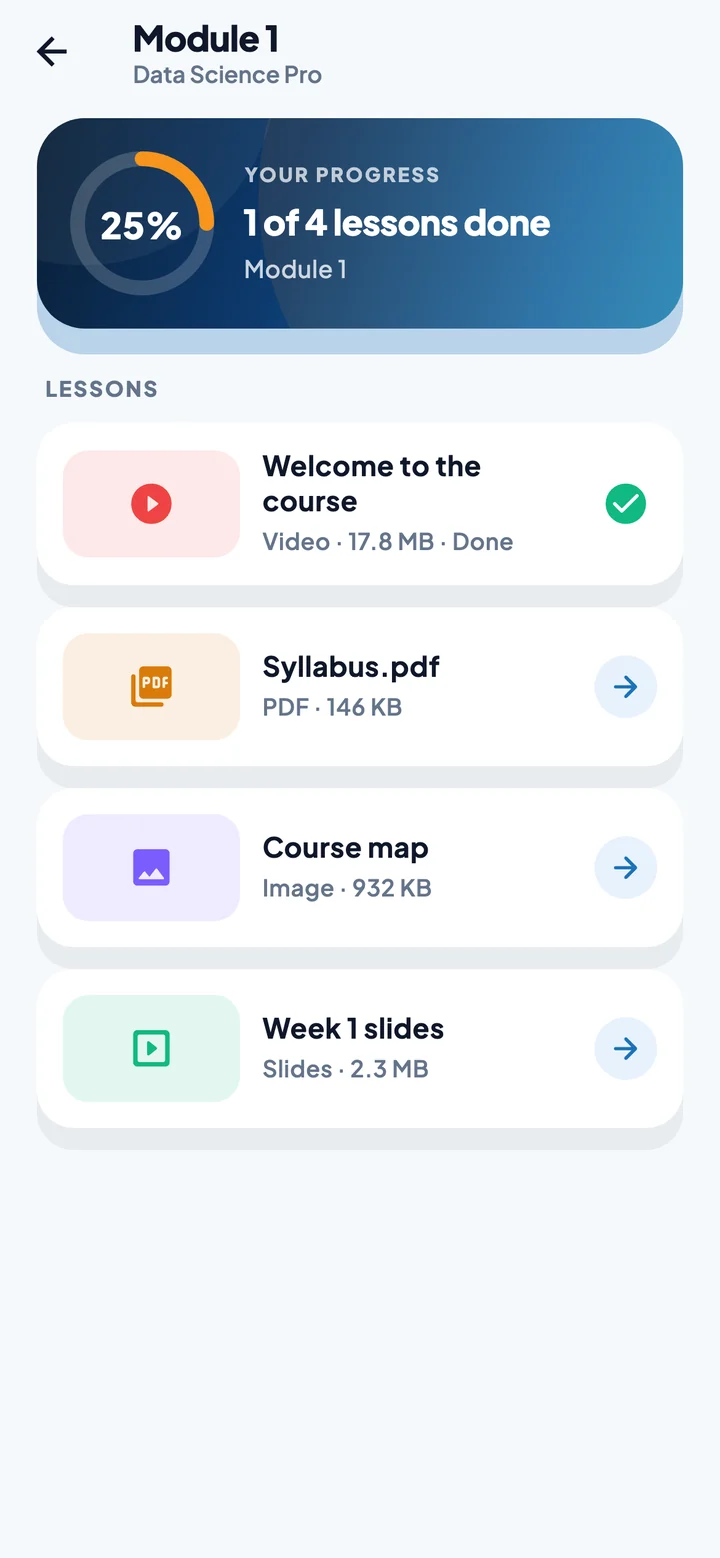
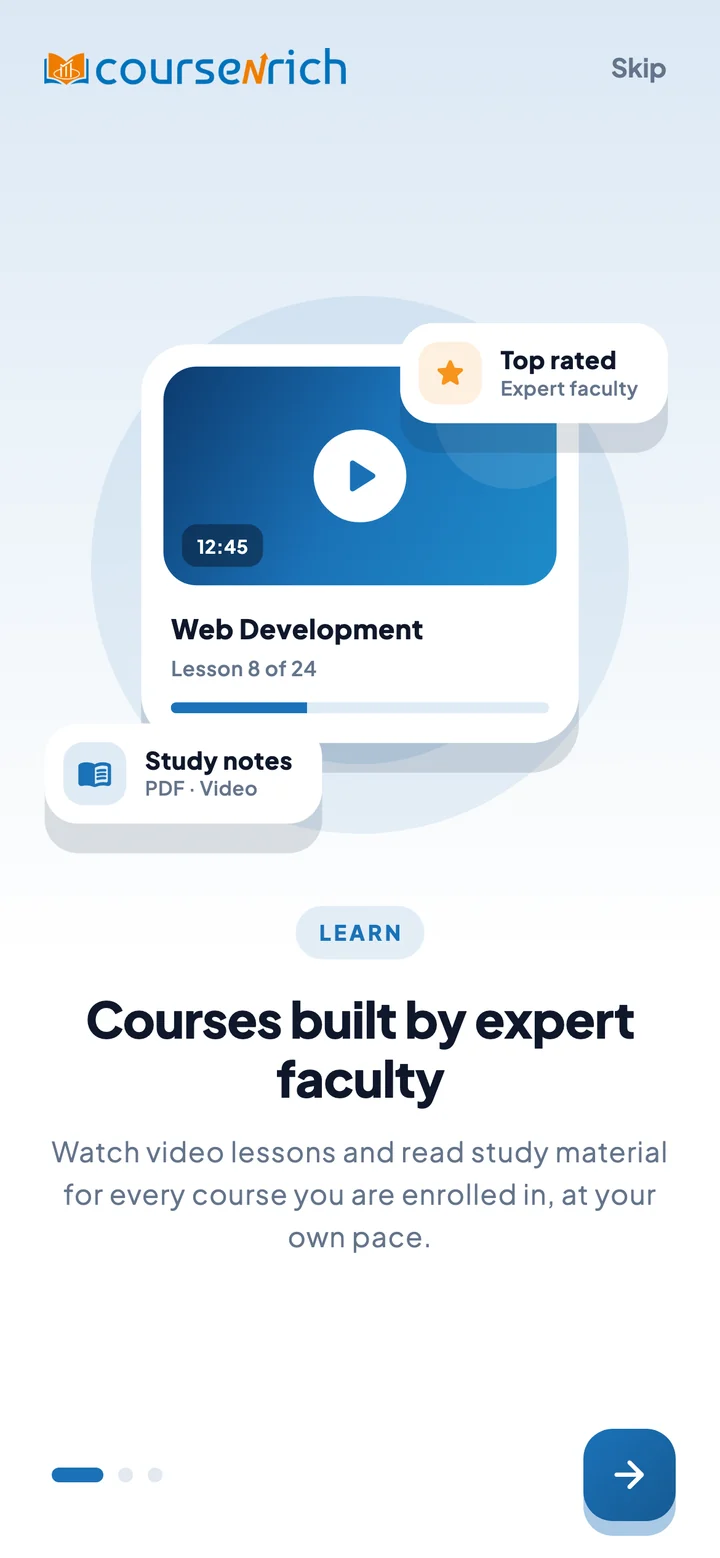
Videos, PDFs, images and slides, organised in the folders your faculty set up. Videos pick up where you left off, and every lesson you finish counts towards your progress.
VideoPDFImagesSlides
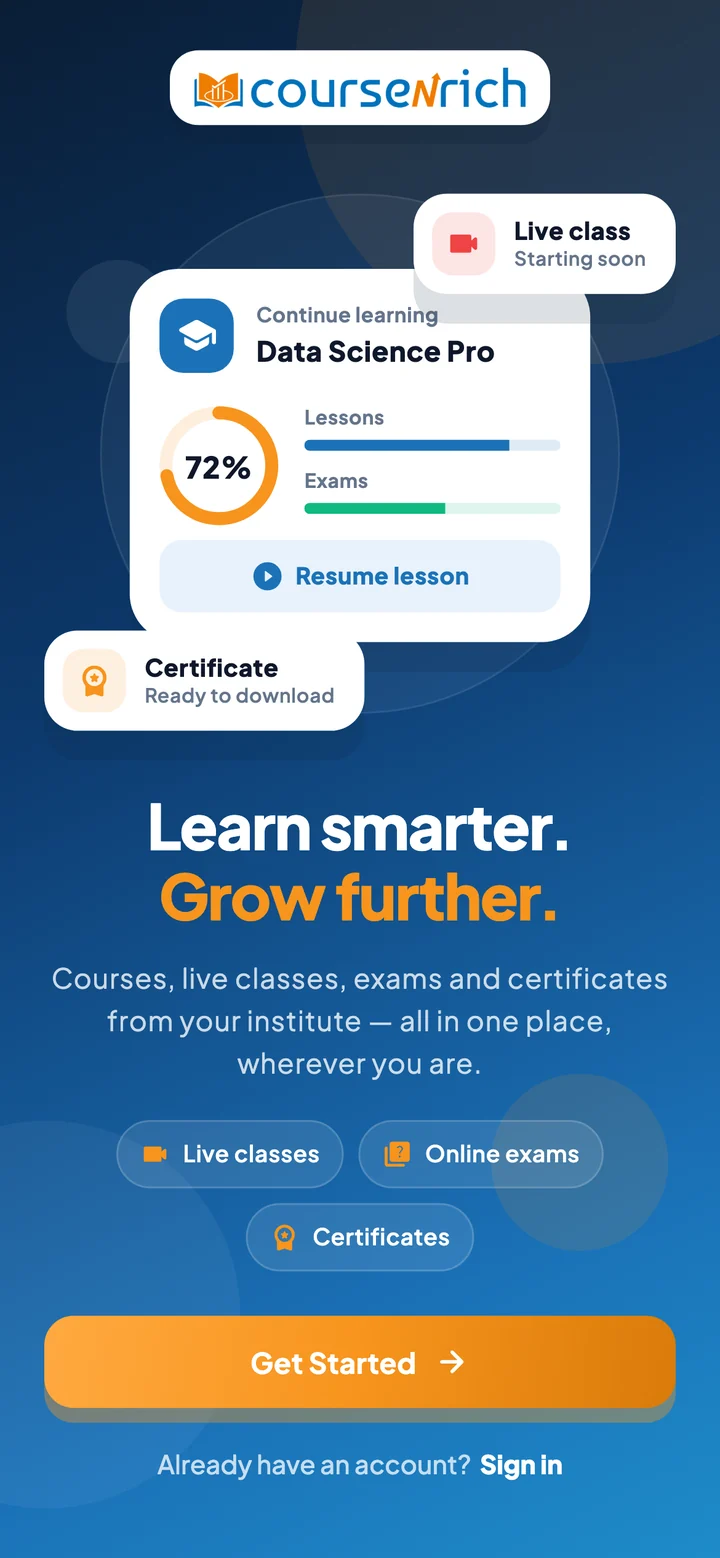
Video lessons, study notes, live classes, online exams, attendance and certificates from your institute, all in one app on your phone.
From the first lesson to the final certificate, CourseNrich keeps every part of a course together, so students spend their time learning, not searching.
Videos, PDFs, images and slides, organised in the folders your faculty set up. Videos pick up where you left off, and every lesson you finish counts towards your progress.
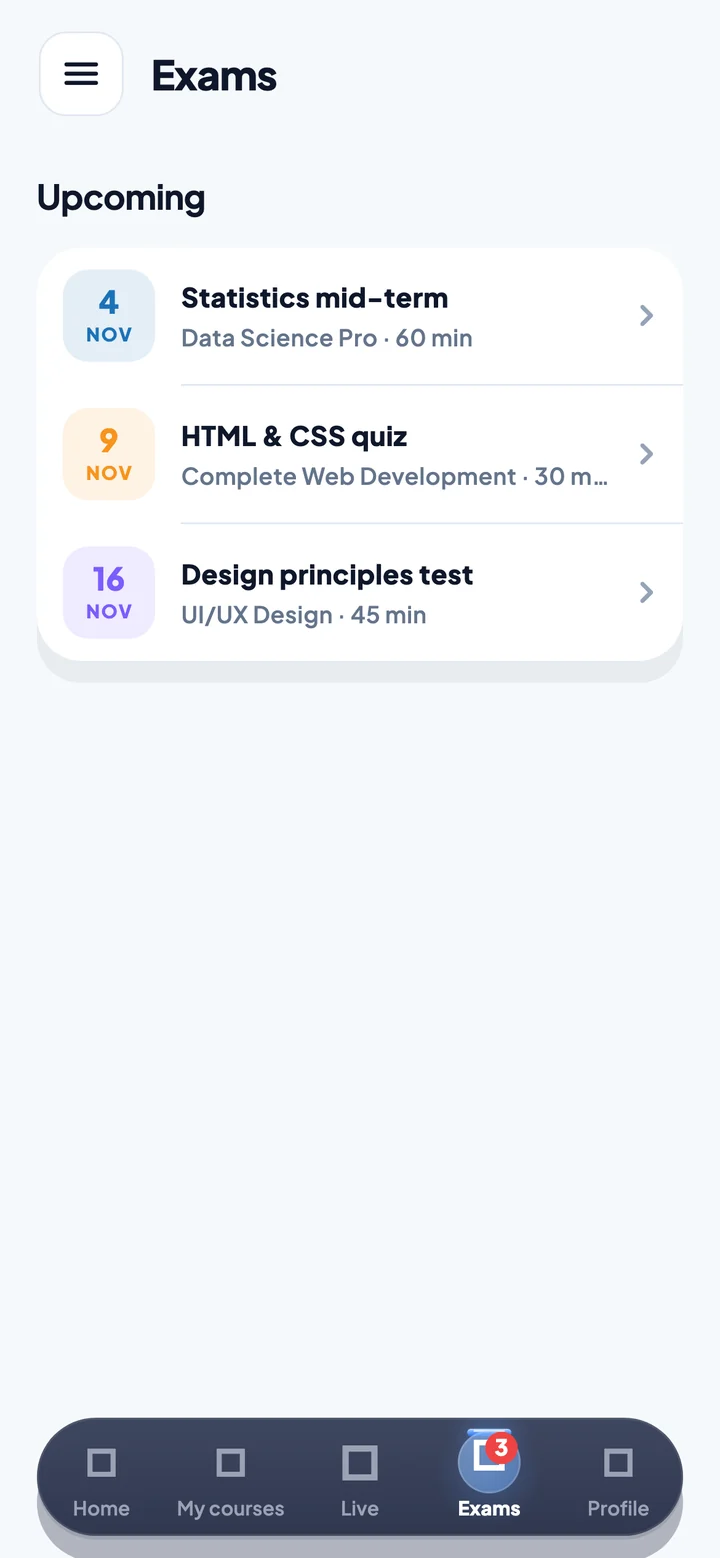
One question at a time, a timer you can always see, and answers saved the moment you pick them. Results and reviews arrive when the exam ends.
See what's on and join straight from the app. A reminder lands on your phone before class starts.
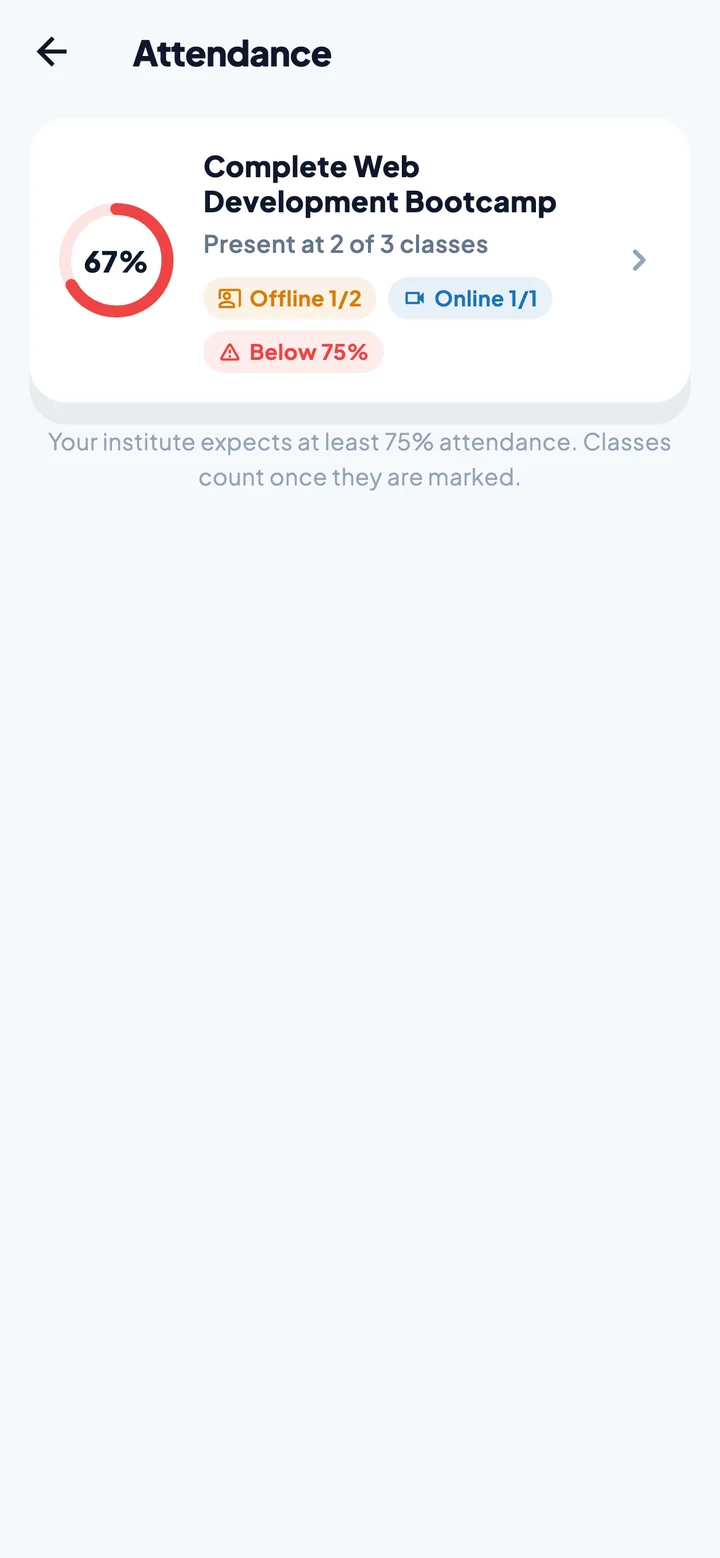
Your percentage for every course, online and offline classes, and a clear warning before you drop below the required level.
Finish a course and your certificate is waiting, with its number and date, ready to save as a PDF and share.
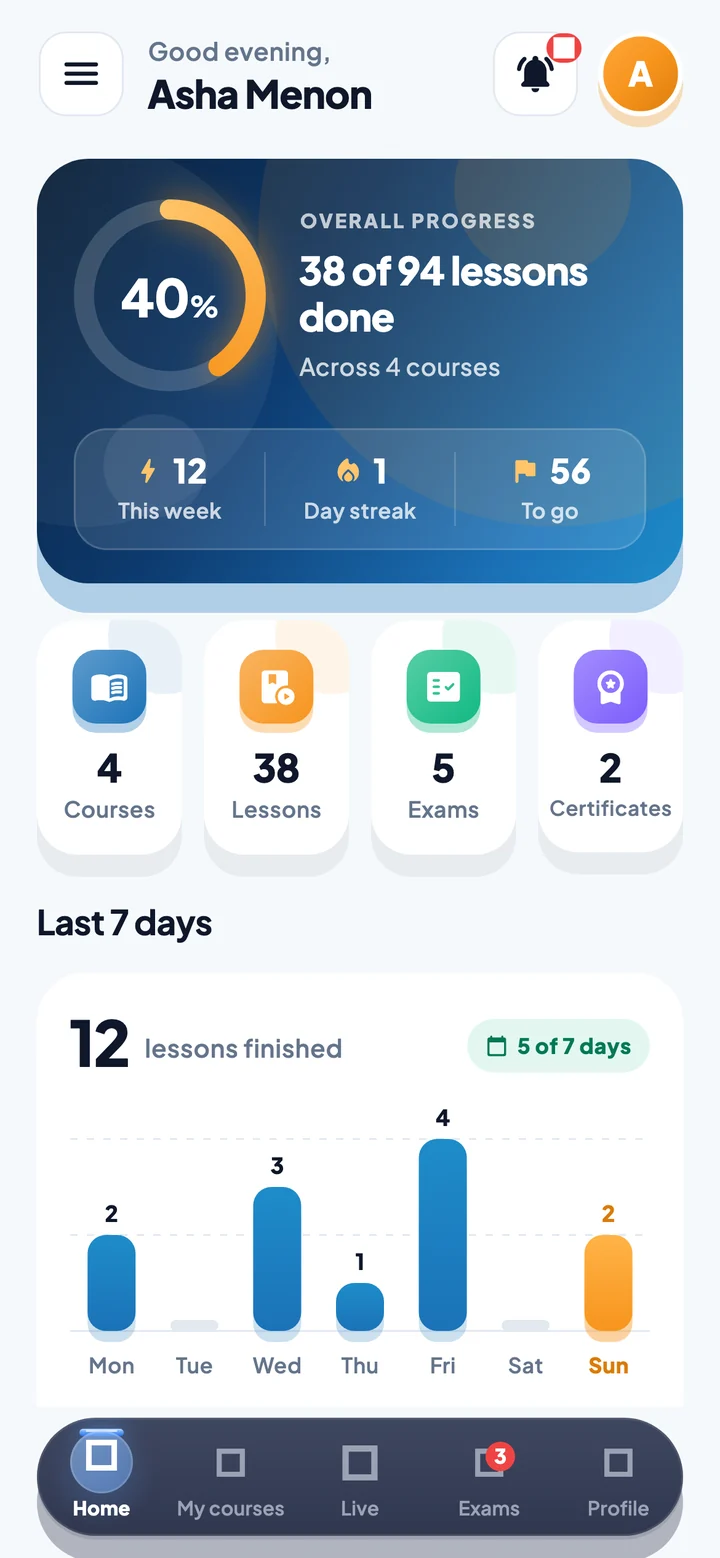
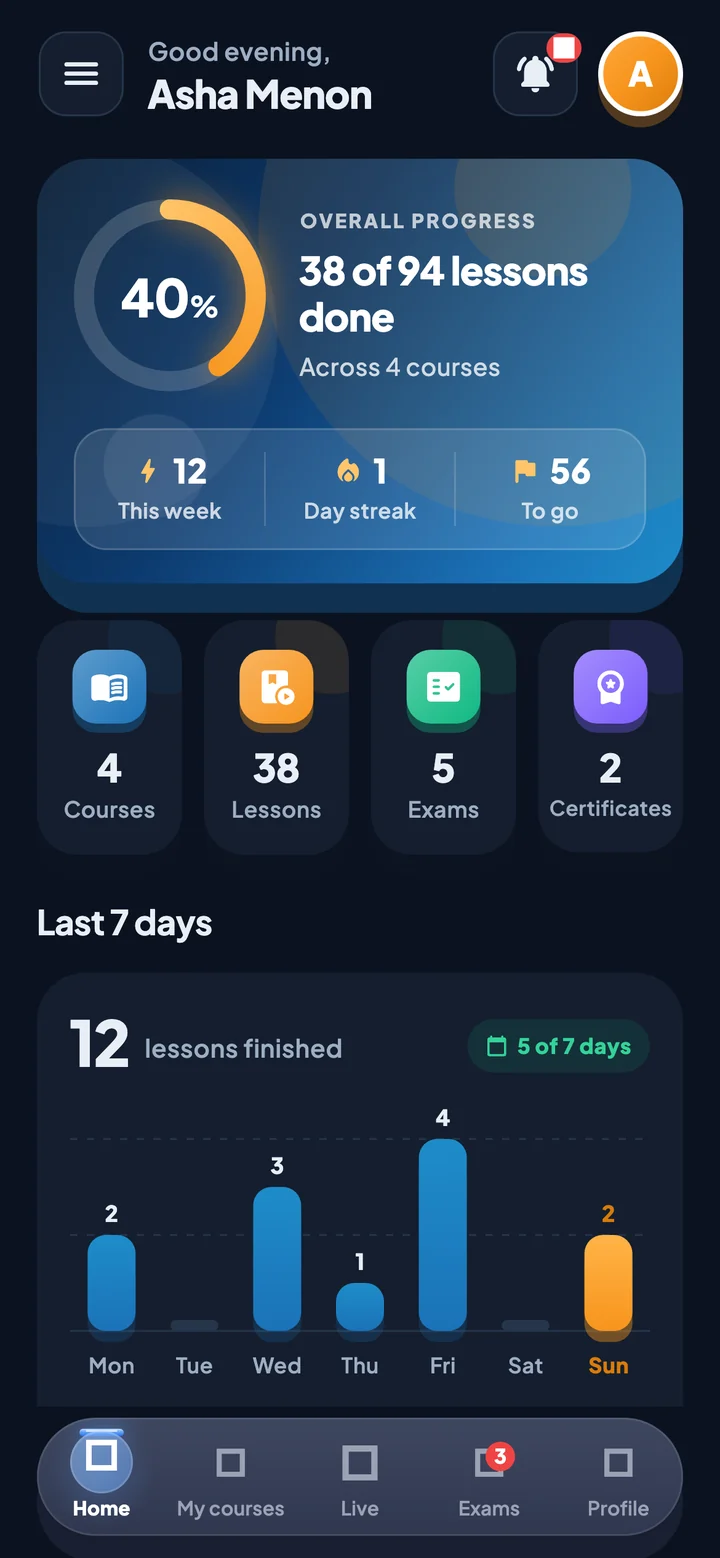
Overall progress, a daily streak and your last 7 days of learning, right on the home screen.
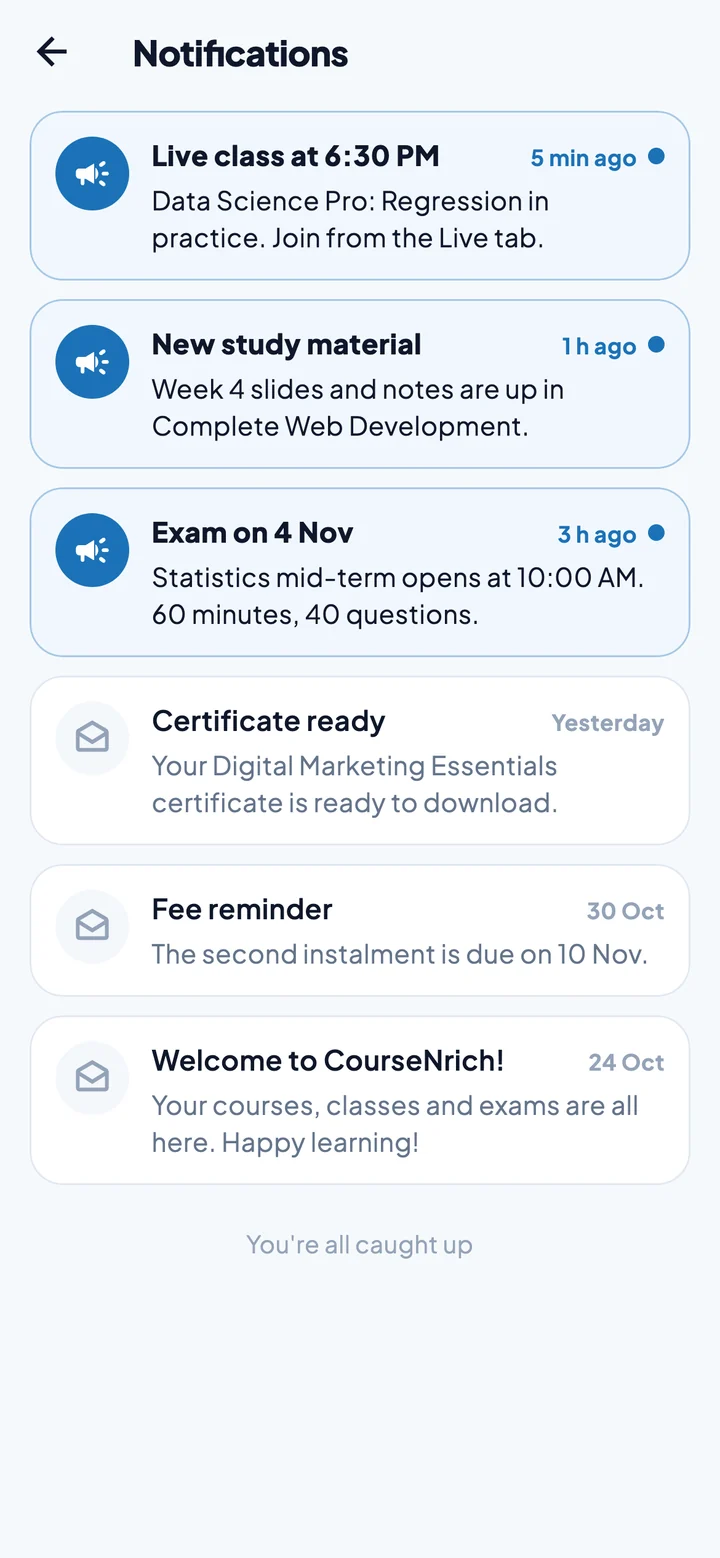
Push notifications for live classes, new study material, exam dates, certificates and fees, with everything kept in one inbox in the app.
Courses, students, fees, leads, exams and attendance, all connected. Whatever you change in the panel shows up in every student's app.
| Student | Course | Progress | Fees |
|---|---|---|---|
| AMAsha Menon | Data Science Pro | Paid | |
| RNRahul Nair | Web Development | Partial | |
| FAFathima Ali | UI/UX Design | Paid | |
| APArjun Pillai | Digital Marketing | Due | |
| SISneha Iyer | Python Basics | Paid |
 PAID
| Class | Type | Present | |
|---|---|---|---|
| Regression in practiceData Science Pro · Today | Online | 42 / 46 | |
| Week 4 workshopWeb Development · Mon | Offline | 28 / 35 | |
| Design critiqueUI/UX Design · Sat | Online | 19 / 24 |
Click the menu to explore the panel
Create courses with descriptions, thumbnails and fee plans, grouped into categories.
Add teachers and assign each one to the courses they teach.
Student profiles, sign-in details, and every course they're enrolled in.
Fee plans, payments by cash, UPI, card or bank transfer, and receipts for every one.
Track enquiries by source and status, plan follow-ups and export the list.
Folders of videos, PDFs, images and slides for every course.
Build pools by hand, from a CSV, or with AI, then schedule exams and see results.
Design certificate templates and issue them to students who complete a course.
Mark offline classes, and fill online ones straight from Zoom's participant list.
Study progress and attendance by course and by student, ready to export.
Schedule live classes on Zoom and start them from the panel.
Send a message to every student, one course, or a chosen few.
Four AI tools in the admin panel turn hours of course preparation into minutes. Every draft opens for your review, so nothing reaches students until you're happy with it.
Which join returns every row from the left table, with matching rows from the right?
Scroll through the app the way a student uses it.
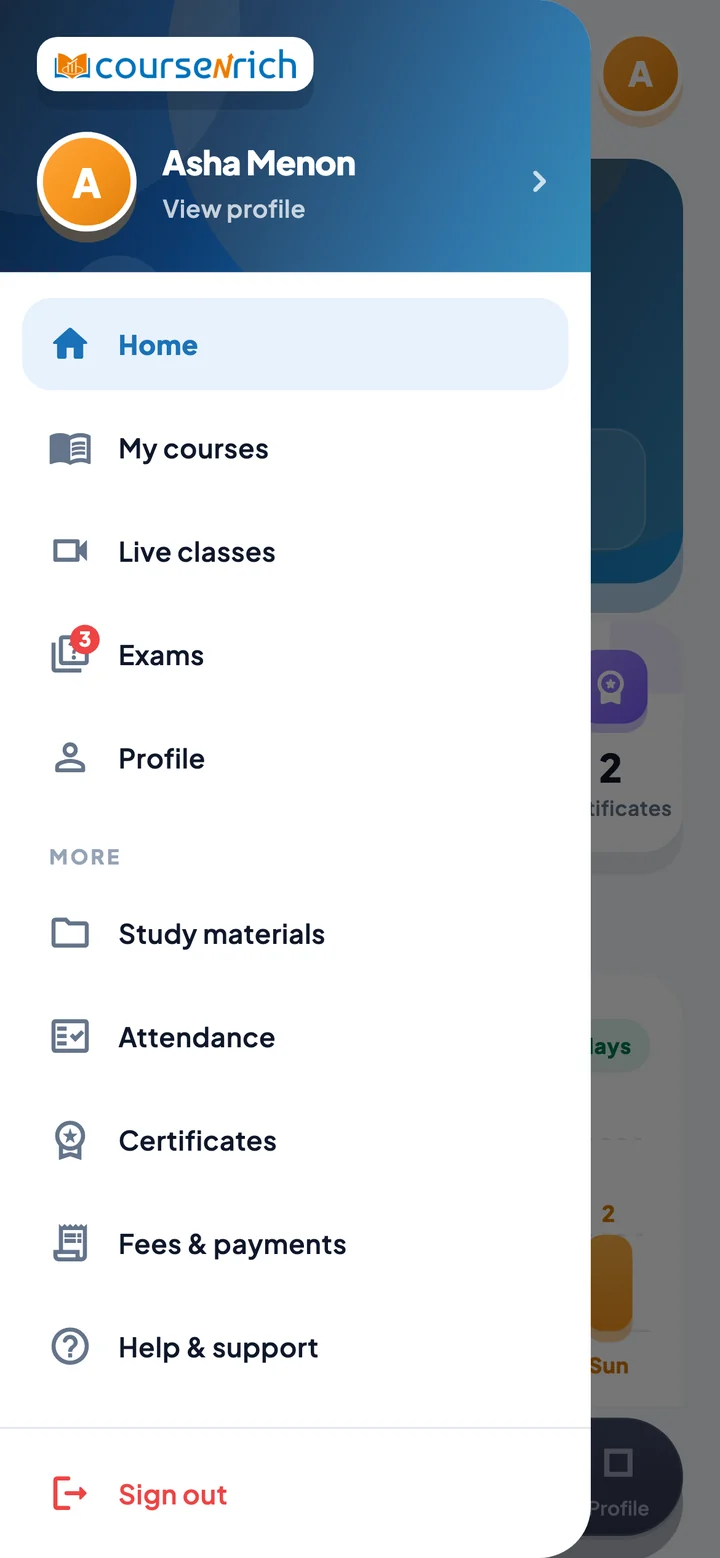
Open the app and home shows how far you've come: overall progress, your streak, lessons this week and the exams coming up.
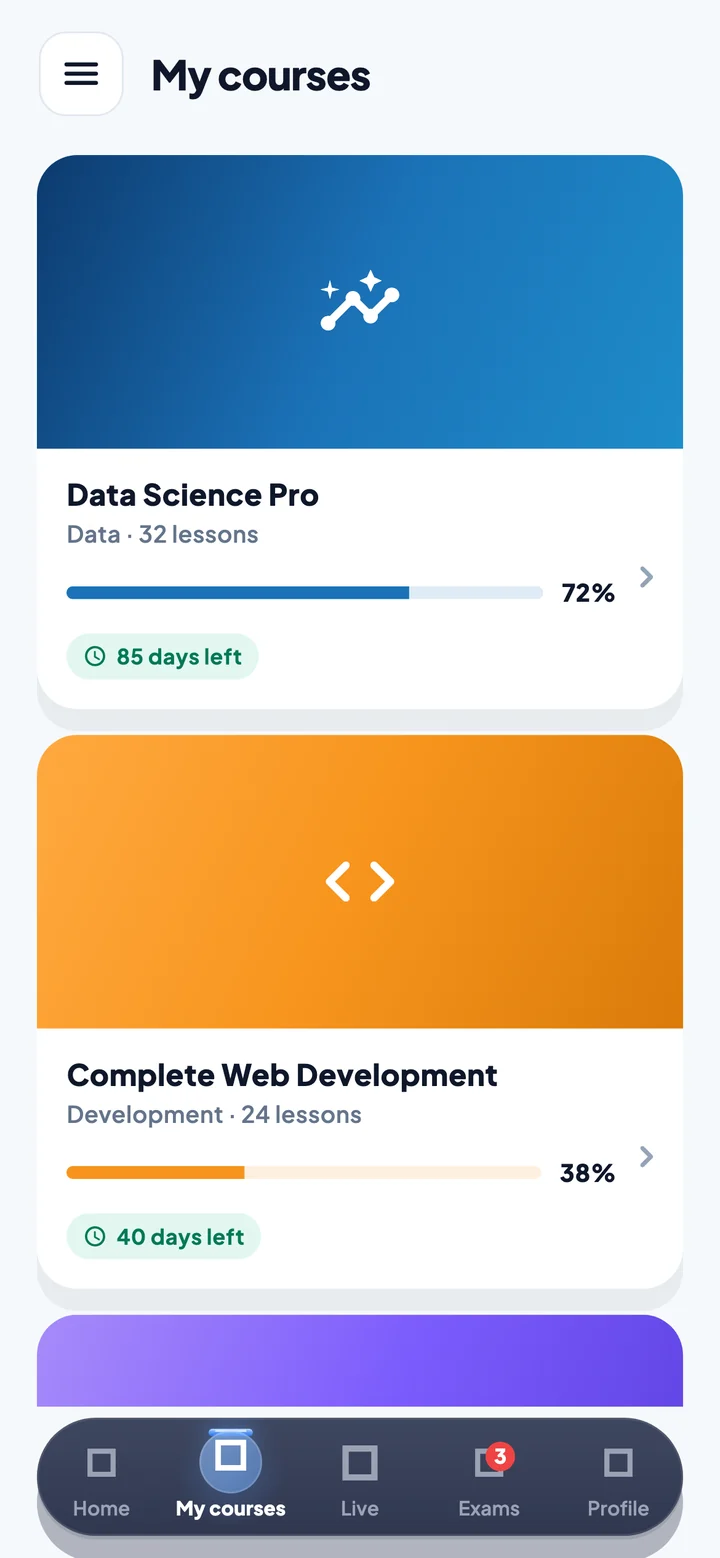
Every course you're enrolled in, with your progress and how many days are left. Courses that haven't started yet tell you when they will.
Watch the video, read the notes, look at the diagrams. Finished lessons get a tick, and modules fill up as you go.
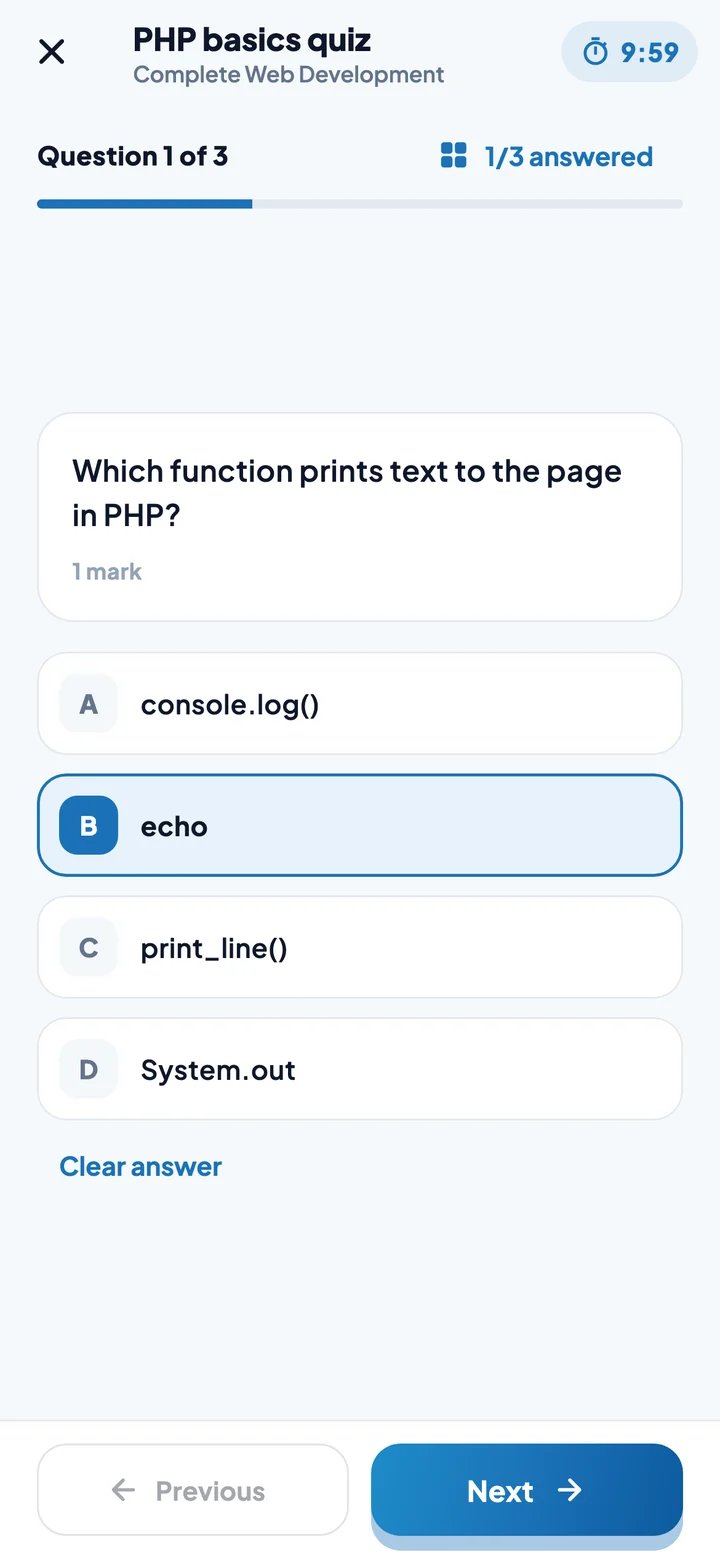
A clear timer, one question at a time, and answers saved instantly. Leave the app mid-exam and it closes, so every attempt is fair.
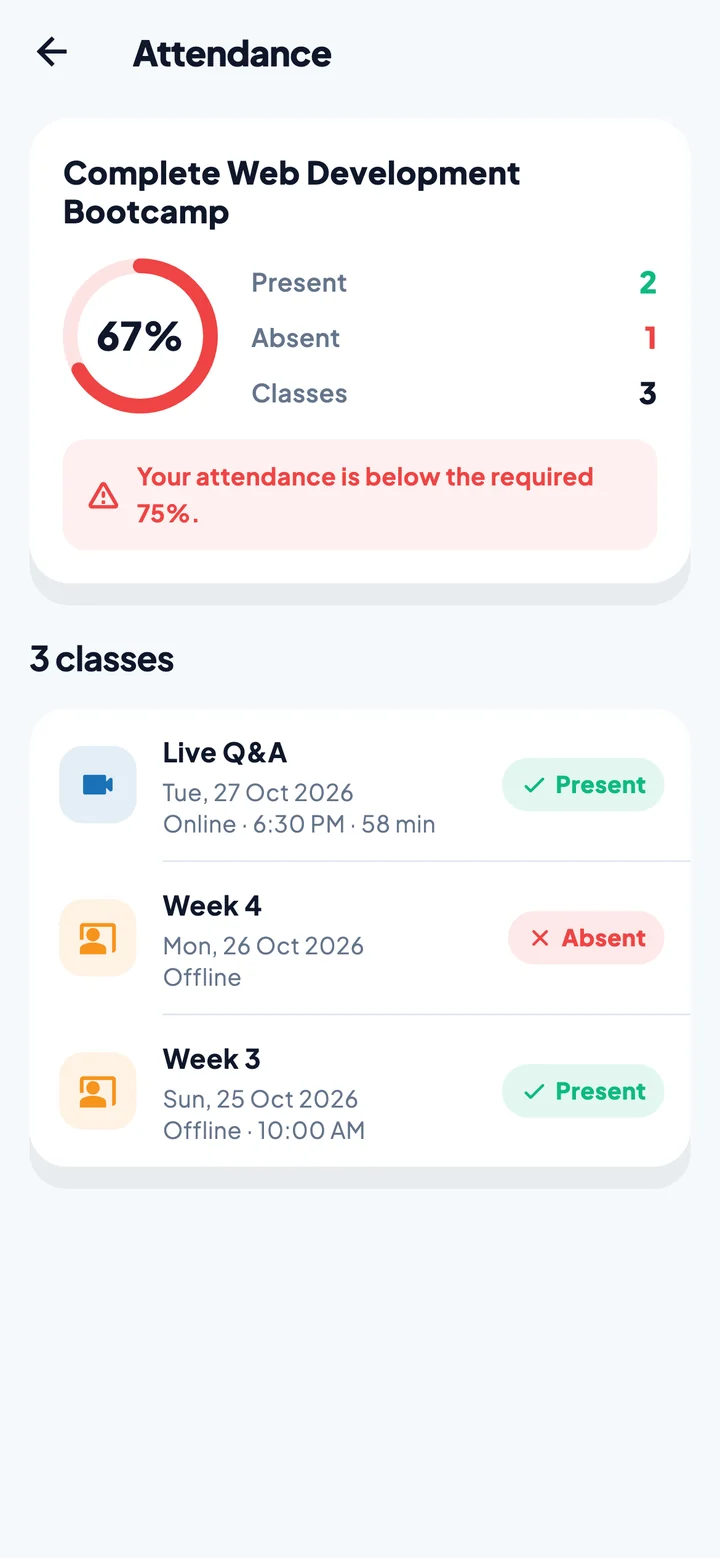
Attendance for every class, online or in person, with your percentage and a heads-up when it falls below what your institute expects.
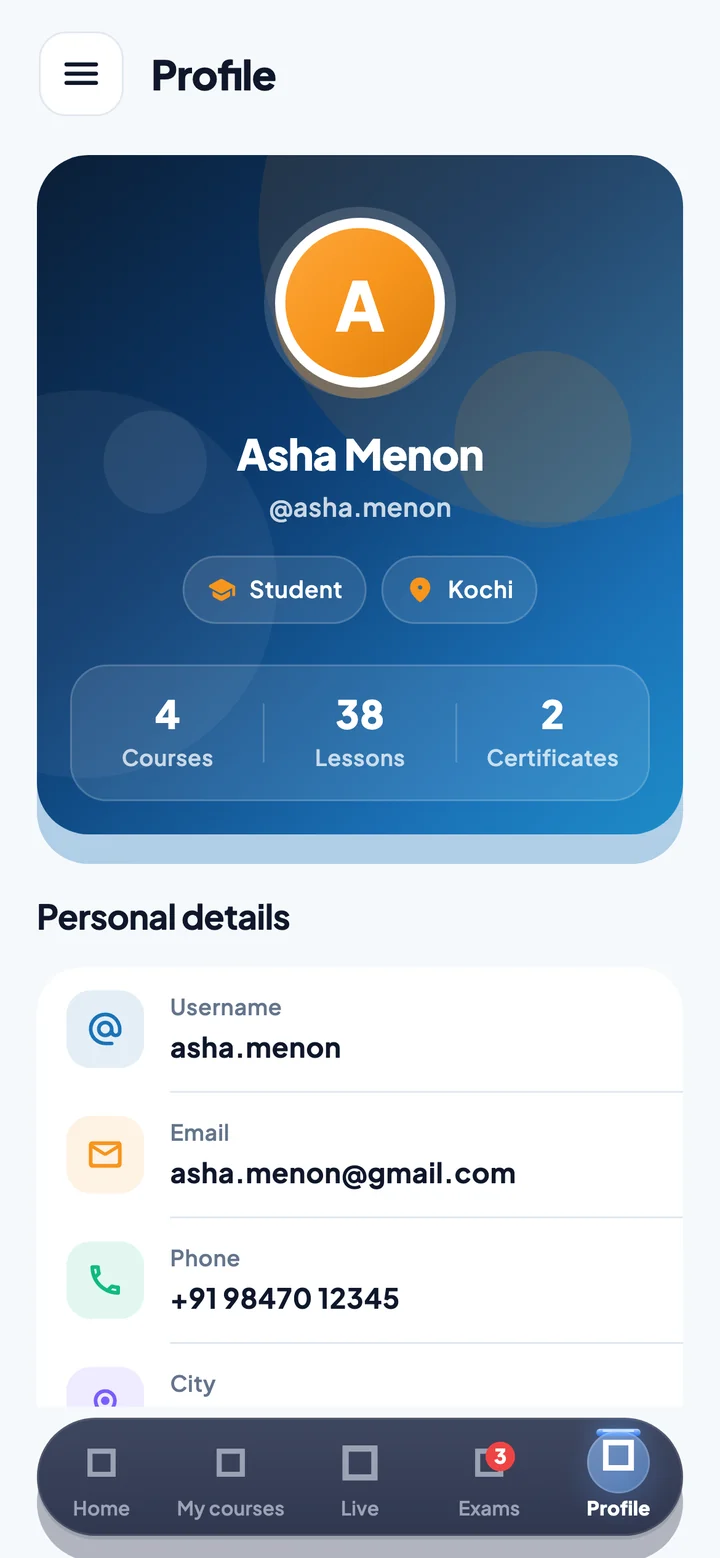
Your details in one place, light or dark mode, and sign-in with your fingerprint or face.
Clean, friendly screens that work on every phone and tablet. Hover to pause.
Pick light, dark, or follow your phone's setting. The whole app switches at once and remembers your choice.
Drag the handle to compare
Institutes choose how strict the app is from their panel, and every phone follows within minutes.
Screenshots and screen recordings of lessons and exams can be blocked.
Lock each account to the first phone it signs in on, or allow one sign-in at a time.
Students can open the app with biometrics instead of typing a password.
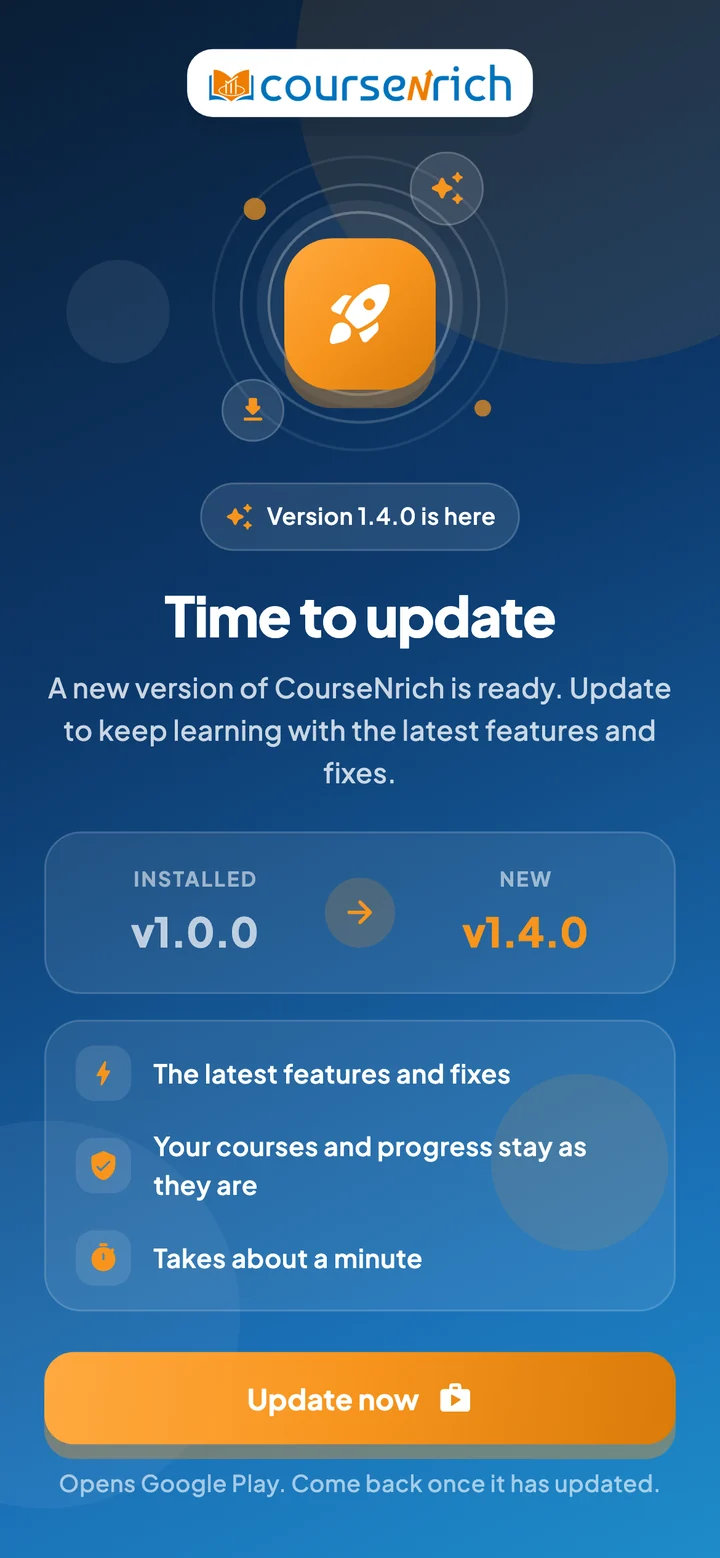
Set the version each phone must run, and older apps ask students to update first.
Your institute enrols you in your courses and gives you your username and password.
Get CourseNrich from Google Play or the App Store and sign in once. Turn on fingerprint sign-in if you like.
Study, attend, sit your exams and download your certificate, all from your phone.
Upload your logo and pick your colours in the admin panel. Every student's app takes on your brand the next time it opens, with no app update needed.

Available on Android and iPhone for students of institutes using CourseNrich.